Every view, every screen, every state.
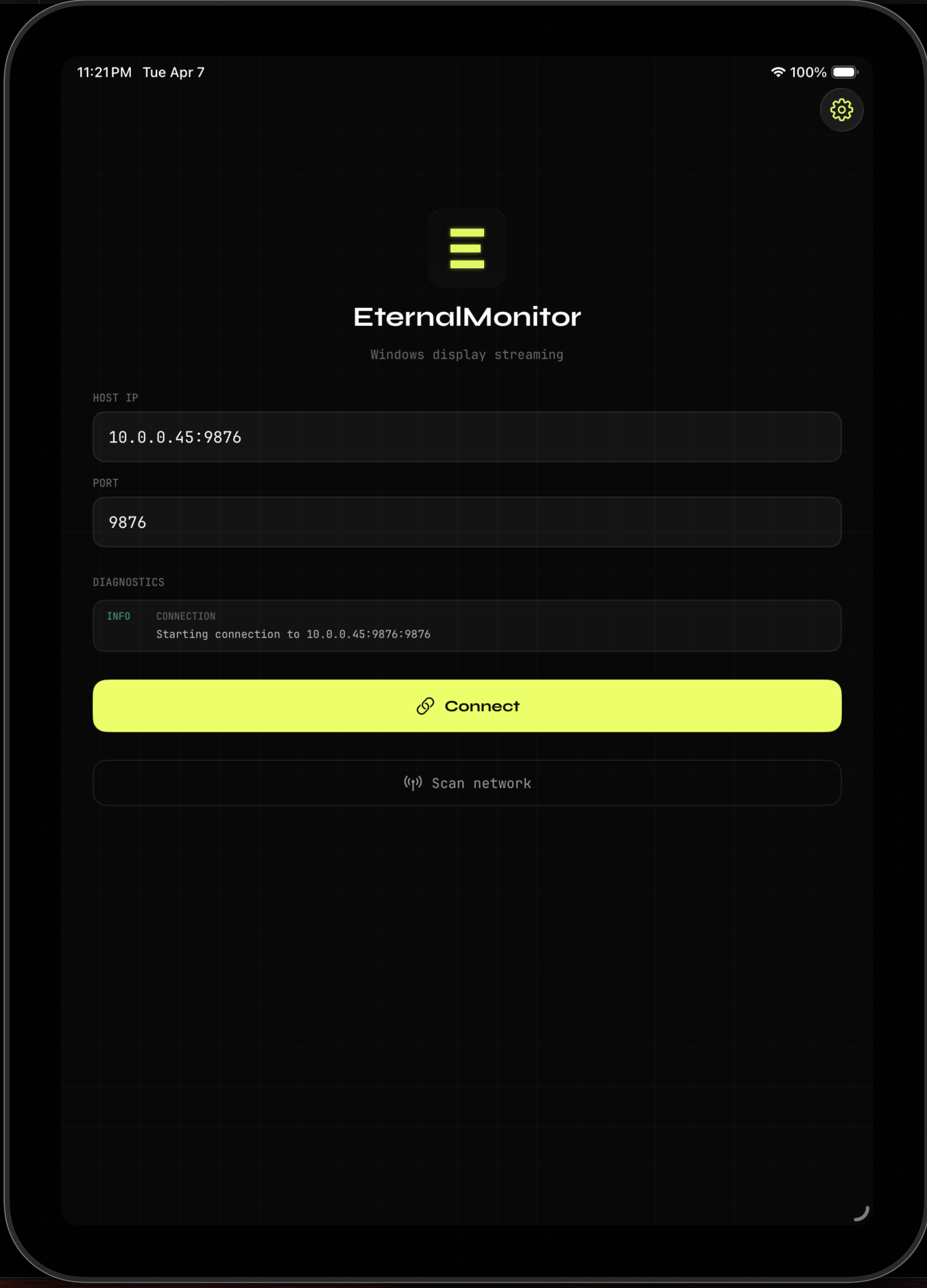
iPad Client
Metal GPU Renderer
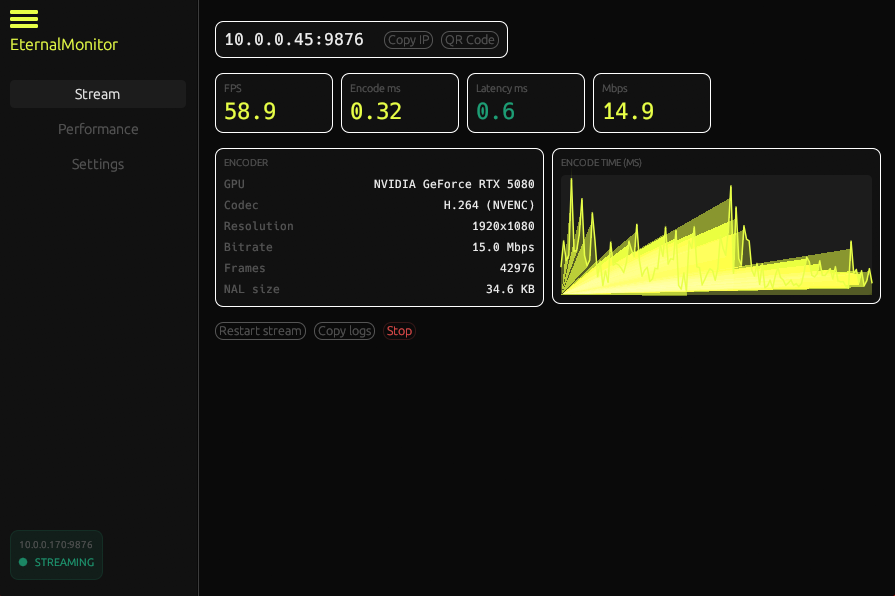
Windows Host
DXGI Capture + H.264 Encode
Under the hood.
DXGI Desktop Duplication
The Windows host uses the DXGI Desktop Duplication API to capture the full display framebuffer at up to 60fps with near-zero CPU cost, leveraging the GPU directly.
Hardware H.264 Encoding
Captured BGRA frames are converted to YUV420P then hardware-encoded. The encoder is auto-selected: NVENC for NVIDIA, AMF for AMD, QuickSync for Intel. No software fallback.
Fragmented UDP Streaming
Encoded NAL units are fragmented and streamed over UDP with sequence numbers and reassembly buffers on the receiving end. Zero TCP handshake overhead.
mDNS Zero-Config Discovery
The iPad client discovers the Windows host on the local network via mDNS/DNS-SD, so there is no IP address entry and no config files. Open the app and connect.
VideoToolbox + Metal Render
The iPad decodes H.264 frames via Apple VideoToolbox for hardware-accelerated decoding, then renders each frame with Metal, bypassing UIKit for maximum throughput.
Written in Rust (host) and Swift (iPad client) for memory safety and zero-cost abstractions
Per-vendor hardware encoder auto-detection with no manual configuration required
Fragmented UDP with custom reassembly that handles packet reordering and loss gracefully
Metal rendering pipeline bypasses UIKit for the lowest possible display latency
EternalMonitor
In active development.